

When I tested this platform, I did not think of it as a traditional video editor. That would be the wrong comparison. A normal editor gives you a timeline, layers, cuts, transitions, and manual control. This tool works differently. It asks you to upload an image and explain the motion you want. That is why my test of Image to Video AI became less about buttons and more about language.

That shift is important. Many people still assume video creation must begin with cameras, software, and editing skills. AI changes that starting point. The user does not always need to build motion frame by frame. Instead, the user needs to describe motion clearly enough for the system to interpret it. That makes prompting the center of the creative experience.
This is also where the platform becomes both accessible and imperfect. It lowers the technical barrier, but it does not remove creative responsibility. In my view, that is the most honest way to understand the product. It is not magic. It is a prompt-based video generation workflow that rewards clearer visual thinking.
Why Prompting Matters More Than Buttons
The biggest difference between this kind of platform and traditional video software is the control method. Instead of asking users to master production tools, it asks them to write instructions.
The User Gives Direction Through Language
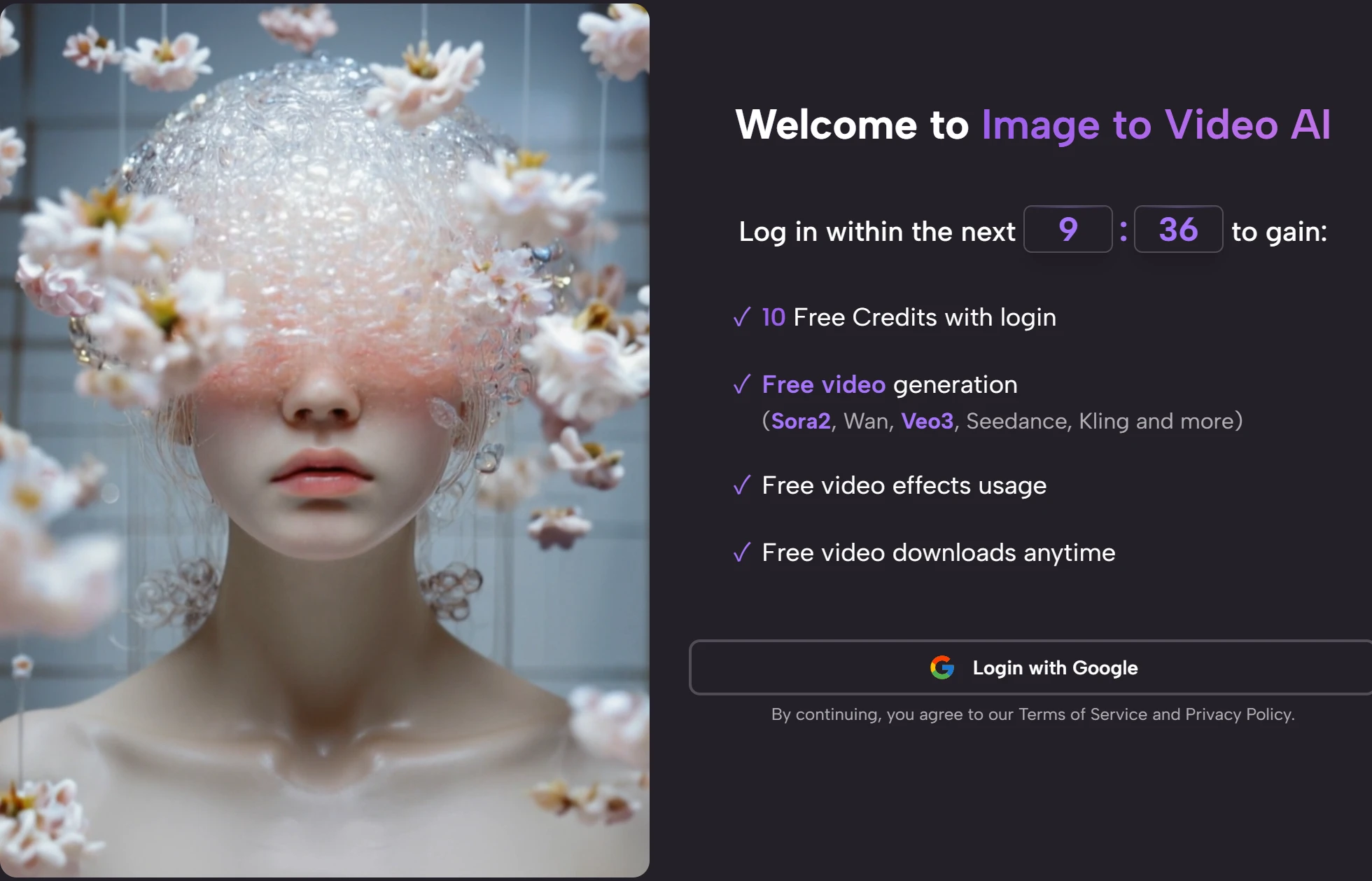
The official process makes this clear. After uploading a still image, the user enters a prompt describing the desired motion or effect. That prompt becomes the creative bridge between the static source image and the generated video.
Language Replaces Manual Timeline Control
This is powerful because it makes video creation more accessible. A beginner may not know how to animate a camera movement manually, but they can describe a slow zoom, a gentle motion, or a cinematic feeling. That difference opens the door to many users who would otherwise avoid video creation.
The Tradeoff Is Less Exact Control
At the same time, natural language is not the same as direct editing. A prompt communicates intention, but the system still interprets it. That means results may vary, and users may need to adjust their wording. In my testing mindset, this is not a failure. It is the basic creative contract of AI generation.
How The Official Workflow Encourages Prompt Thinking
The platform’s workflow is short, but each step affects the final result.
Step One Requires A Clear Source Image
The user begins by uploading an image. The platform supports common formats such as JPEG and PNG, which makes the starting point simple. But the image still matters. A clean subject, visible composition, and strong visual direction give the AI a better foundation.
Step Two Requires A Clear Motion Idea
The user then writes a prompt. This is where the experience becomes more creative than technical. You are not only telling the platform to animate the image. You are telling it what kind of motion makes sense.
Good Prompts Reduce Guesswork Significantly
A prompt like “make it move” may be too open. A prompt that describes subject movement, camera feel, emotional tone, or visual rhythm gives the system more useful direction. In my view, the best results are likely to come from users who treat prompting as part of the craft.
Step Three Depends On AI Processing
After submission, the platform processes the request. The site indicates that generation can take several minutes, which fits the nature of AI video creation. This waiting period is not wasted time if the user has already given the system a clear instruction.
Step Four Turns Interpretation Into Output
When the process finishes, the user can preview, download, and share the MP4 result. At that point, the prompt becomes visible as motion. The output shows not only what the system can do, but also how well the user communicated the idea.
What This Means For Everyday Creators
The prompt-based workflow changes who can participate in video creation.

Beginners Can Start Without Editing Skills
A major advantage is accessibility. Someone who has never opened a professional editing program can still try to generate a short video. That does not mean every result will be polished, but it does mean the first step is far less intimidating.
Lower Barriers Invite More Experimentation
When the first step feels easy, users are more likely to test different ideas. That is valuable because AI content often improves through iteration. The platform’s simple process supports that behavior.
Experienced Creators Can Move Faster
More experienced creators may use the platform differently. Instead of relying on it for final production, they may use it to test motion ideas, create fast drafts, or generate visual variations from existing assets.
Small Teams Can Reduce Creative Bottlenecks
Small teams often struggle because video requires too many moving parts. A prompt-based tool can help reduce that bottleneck. It turns some video tasks into a lighter creative process that one person can handle.
How I Evaluated The Experience Fairly
I did not judge the platform by whether it replaces every video tool. That would be unrealistic. I judged it by whether the prompt-based process feels useful for the jobs it is likely to serve.
| Evaluation Question | My Practical Read | Why It Matters |
| Is the first step clear | Yes | Uploading an image is easy to understand |
| Is creative control accessible | Mostly | Users can describe motion in plain language |
| Is the output easy to use | Yes | MP4 works across common publishing channels |
| Does prompting require skill | Yes | Better wording can improve result quality |
| Is the tool beginner friendly | Yes | No timeline editing knowledge is required |
| Is exact control guaranteed | No | AI interpretation can vary between attempts |
| Is iteration expected | Yes | Refining prompts may be part of the process |
Where The Platform Feels Strongest
The platform feels strongest when the user has a clear image and a clear motion goal.
Simple Motion Ideas Fit The Tool Well
A product shot with subtle camera movement, a portrait with gentle animation, or a scene that needs atmospheric motion all feel like reasonable use cases. These are not overly complicated demands, but they can still make static visuals more engaging.
The Tool Works Best With Focused Intent
In my observation, tools like this are less reliable when users ask for too much at once. A focused prompt usually gives the system a better target. That makes the experience more predictable.
Short Clips Match Modern Content Needs
The platform’s short-form output is also useful. Many online placements do not require long videos. A few seconds of movement can be enough for a social hook, a product highlight, or a visual teaser.
The Broader Toolset Adds Exploration Room
The site also presents other creation paths, including text-to-video, AI video generation, AI image generation, and several effect-based tools. This gives users room to explore beyond the initial image animation workflow.
Where Users Should Be Careful
The same prompt-based structure that makes the tool accessible also creates some limitations.
A Prompt Is Not A Precision Timeline
Users should not expect the same control they would get from manual animation software. If you need frame-perfect timing, exact motion paths, or complex editing structure, this may not be the right primary tool.
AI Interpretation Can Surprise Users
Sometimes surprise is useful. Sometimes it is not. The important point is that the system interprets instructions rather than mechanically obeying every detail like a traditional editing interface.
The Source Image Can Limit Results
If the uploaded image is low quality, visually crowded, or unclear, the output may suffer. The prompt can help guide motion, but it cannot always overcome weak source material.
Multiple Attempts May Be Necessary
This is a normal part of AI video generation. A user may need to test one wording, review the result, then revise the prompt. That process should be expected rather than treated as a defect.
Why This Workflow Fits Search Behavior
Many users search in plain language because they do not know the technical term for what they need. They type questions like “make a photo move,” “turn image into video,” or “animate picture with AI.” The platform’s workflow fits that behavior because it does not require technical knowledge before the first attempt.
The Product Speaks To Practical Intent
That is why the experience feels aligned with real user needs. The platform does not ask people to learn a production vocabulary first. It lets them begin with an image and a description.
The phrase Photo to Video also fits this search behavior because it sounds like something a normal person would type. It is direct, descriptive, and grounded in the transformation users actually want.
Plain Language Helps Users Start Faster
When the language of the product matches the language of the user, the whole experience becomes easier. Users feel less like they are entering a technical system and more like they are giving creative direction.
This Reduces The Fear Of Getting Started
That matters because many people are curious about AI video but still hesitant. A clear workflow and plain-language prompting can make the first attempt feel manageable.

Who Should Approach It This Way
The platform is best understood as a prompt-first motion tool, not a conventional editor.
Good For Users Who Think Visually
If you can look at a still image and imagine how it should move, this tool gives you a way to test that idea quickly. You do not need editing expertise, but you do need some visual intention.
Good For Marketers And Social Creators
Marketers and social creators often need fast visual experiments. A prompt-based system can help them create motion drafts without slowing down their publishing cycle.
Less Ideal For Exacting Production Teams
Production teams that need detailed sequencing, continuity, or precise motion control may use this as a supporting tool rather than a central platform. That is a realistic boundary.
Why The Prompt Interface Feels Meaningful
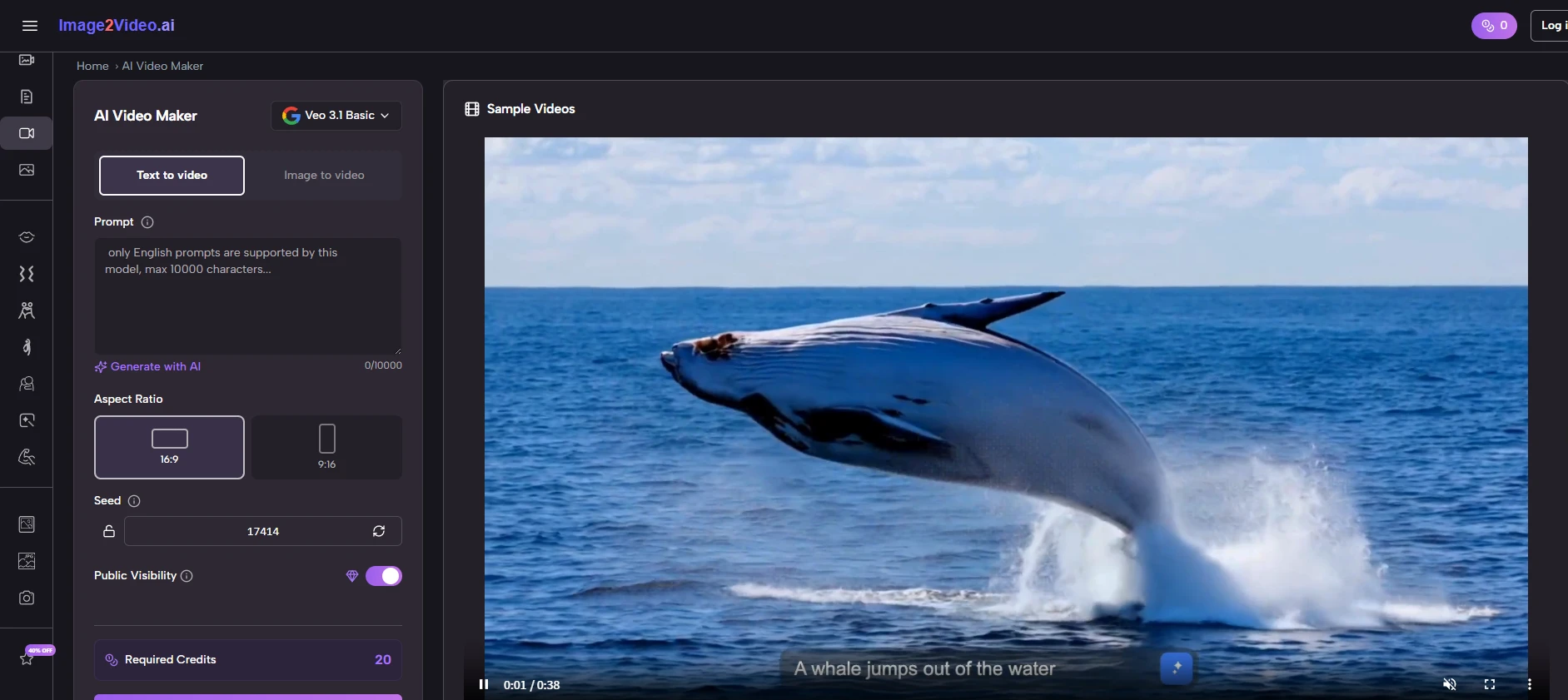
The most interesting thing about this test was realizing that the platform’s real interface is not just the upload button or download button. It is the prompt. The user’s ability to describe motion becomes the main creative tool.
That makes the product more accessible, but also more dependent on user intention. In my view, that is a fair tradeoff. It gives ordinary people a way into AI video creation while still rewarding thoughtful direction. For users who understand that balance, the platform can be a practical and approachable way to turn still images into short moving assets.